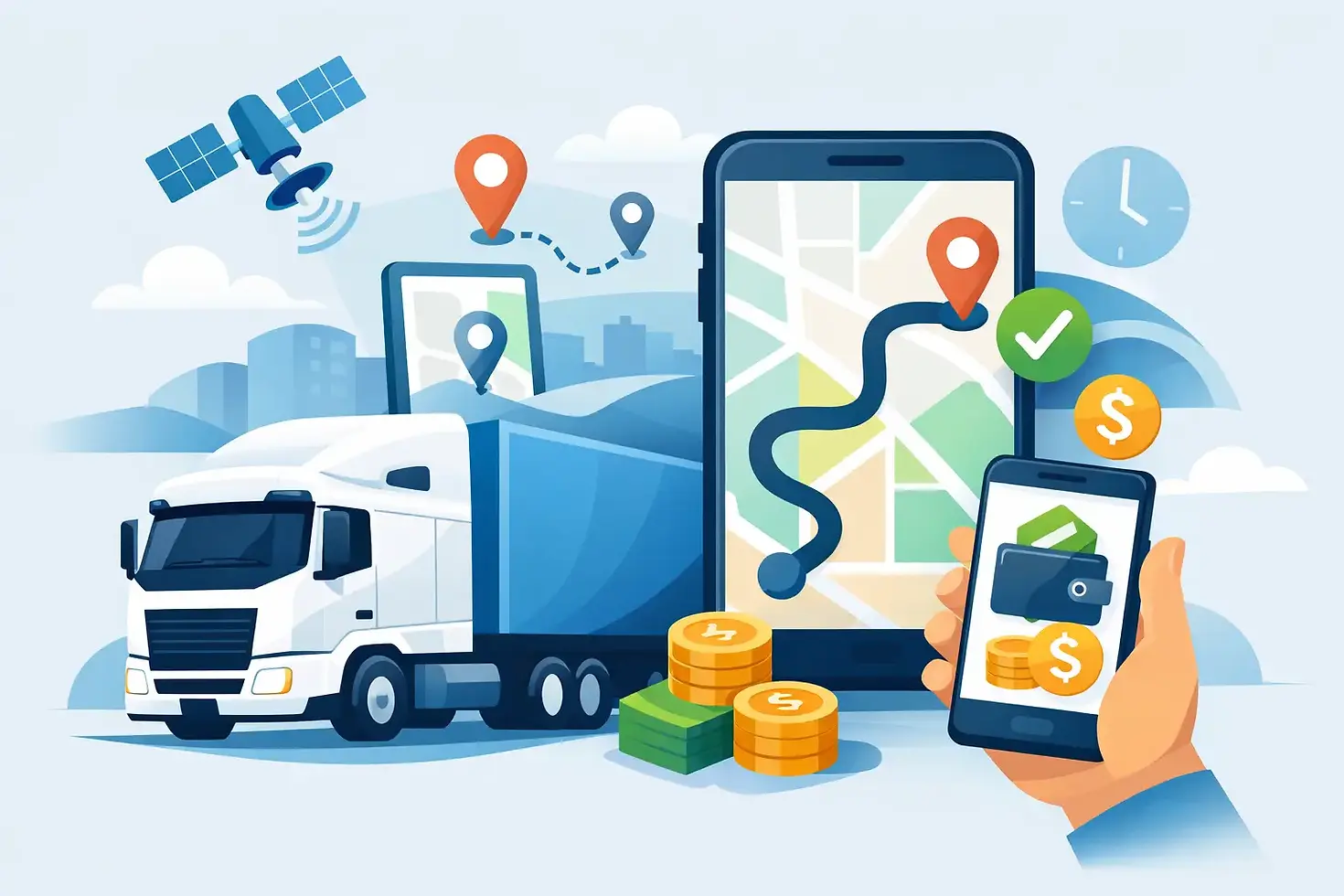
Trucking Apps for Route Planning That Pay
A route can look great on a rate confirmation and still cost you money before the trailer is half loaded. One low bridge, a closed mountain pass, an out-of-route fuel stop, or a receiver that takes six hours to unload can turn decent gross revenue into a long, frustrating day. That is why trucking apps for route planning need to do more than draw a blue line from pickup to delivery.
For an owner-operator or small fleet, the right app setup protects time, fuel, equipment, and hours of service. It also helps answer the question that matters before you book: Is this load profitable for this truck, from where it sits right now, through where it needs to go next?
What Truck Route Planning Has to Account For
A passenger-car map is built to get a vehicle from point A to point B. A truck route has more moving parts. Your height, weight, axle limits, trailer length, hazmat status, and route restrictions all matter. So do scale houses, parking availability, tolls, fuel prices, construction, weather, and the hours remaining on your clock.
That is why a driver should never trust a general navigation app by itself. It may send a 13-foot-6-inch trailer under a clearance that is fine for a sedan, route a 53-footer through a restricted neighborhood, or make a tight turn that was never designed for commercial equipment. The app can be useful for traffic or a quick location search, but it is not a full truck-routing plan.
The best approach is to use a dedicated truck navigation app as the foundation, then layer in fuel, parking, load-board, weather, and ELD information. No one screen knows every condition on the road. The driver or dispatcher still has to make the final call.
The Best Trucking Apps for Route Planning Solve Different Problems
There is no single best app for every carrier. A reefer running grocery warehouses in the Northeast has different needs than a step deck hauling machinery across the Plains. What matters is whether the tools support the way you operate.
Truck-specific navigation
A dedicated truck GPS app should let you enter your truck and trailer profile. At a minimum, it needs height, weight, length, width, and axle configuration. It should flag commercial restrictions, low clearances, truck-prohibited roads, steep grades, and toll routes before you commit to the trip.
This is the app you keep running when the route gets complicated. It is especially valuable in older cities, industrial areas, mountain corridors, and final-mile delivery locations. Still, treat every route as a working plan. Posted signs, local detours, and changing construction conditions beat an app every time.
Parking, fuel, and truck-stop information
Parking apps are not a luxury when your driving window is getting tight. They help you spot truck stops, rest areas, paid parking, weigh stations, showers, and available services along the route. Some include driver reports that can tell you whether a lot fills early, whether a location is easy to enter with a long trailer, or whether overnight parking is actually allowed.
Fuel tools matter for the same reason. The cheapest pump price is not always the cheapest fuel stop once you factor in a five-mile detour, traffic, idle time, and whether the stop works with your fuel network or discount program. Plan fuel where it supports the route and your hours, not just where a map says diesel is a few cents less.
Load boards and lane research
Load boards are not route-planning apps in the strict sense, but they are part of route planning before the load is booked. DAT, Truckstop, 123 Loadboard, Doft, Uber Freight, and Trucker Path can help carriers see what is available near delivery, what a lane has been paying, and whether a reload is realistic.
A load that pays well into a weak freight market may leave you deadheading 150 miles or sitting two days. A slightly lower-paying load into a busy market can put the truck in position for a strong reload. Route planning starts with freight selection, not after the wheels turn.
Weather, traffic, and road-condition tools
Weather and traffic tools are where a plan gets tested. Snow, high winds, flooding, wildfires, chain controls, and major crashes can change the safest route fast. Flatbed and step deck carriers need to pay close attention to wind. Reefer operators may need to account for longer transit times, fuel use, and product temperature risk. Every carrier has a reason to check conditions beyond the basic ETA.
The smart move is to check the full route before departure, then check the critical points again during the day. Mountain passes, large metro areas, bridge crossings, and the final approach to a receiver deserve extra attention.
How to Evaluate a Route Before You Accept the Load
Do not judge a load by rate per mile alone. Look at all miles, including the miles to pickup and the miles required to get positioned for the next load. Then look at the time required to cover them.
Start with deadhead. A 400-mile loaded run can be a poor choice if it requires 120 empty miles to pickup and drops you into a market with little freight. On the other hand, a longer deadhead can make sense if it gets you to a dependable shipper, a home-time lane, or a high-demand market. The key is knowing why you are taking it.
Next, check the route against your equipment. A heavy flatbed load may need a different route than a dry van. A power-only move can bring trailer-condition and appointment concerns. A box truck may have more urban access, but parking and loading-dock limitations can still eat up time. The app settings must match the actual truck and load, not a generic commercial profile.
Then run the trip through your available hours. Add realistic time for loading, fueling, breaks, traffic, scales, parking, and unloading. If the route only works when every light turns green and the receiver gets you in and out immediately, it is not a solid plan. It is a gamble.
Finally, look beyond delivery. Search freight within a workable radius of the drop and see what equipment demand looks like. A route is more profitable when it connects to the next opportunity rather than forcing the truck to chase one.
Common Mistakes That Cost Carriers Money
The biggest mistake is letting an app replace judgment. Navigation is a tool, not a permit to ignore road signs, permit requirements, shipper instructions, or common sense. If the route looks questionable, stop and verify it before you put the truck in a bad spot.
Another mistake is planning only for the loaded miles. Empty miles, tolls, fuel stops, layovers, detention exposure, and parking all affect the real number. A short run with multiple urban stops may pay less per hour than a longer highway run, even if the posted rate looks attractive.
Carriers also lose money by running too many apps without a routine. Five notifications at once do not improve a route. Pick the tools you trust, keep truck dimensions and preferences current, and use the same pre-trip check every time. That builds a process you can repeat under pressure.
A Practical App Routine for the Road
Before booking, use the load board and route tool together. Check the pickup deadhead, loaded route, delivery market, toll exposure, and realistic appointment timing. If the numbers do not work, keep looking or negotiate from a clear understanding of the cost.
After booking, enter the exact pickup and delivery details into truck navigation. Do not rely only on a street address if the broker provides gate instructions, dock numbers, or a truck entrance. Review the last few miles closely, because that is where commercial navigation can get messy.
Before rolling each day, check hours, weather, traffic, parking options, and fuel locations. Keep at least one backup parking choice in mind. If conditions change, reroute early rather than trying to save a plan that no longer makes sense.
For carriers working with a dispatch partner, this is where good communication pays off. At Seaglass Logistics, route decisions are built around the truck's equipment, preferred lanes, home-time needs, and earning goals instead of sending a generic load and hoping it fits.
The app on your phone should make the work clearer, not make the cab noisier. Use it to see the trouble before it becomes your problem, protect the miles that pay, and leave room in the plan for the real world waiting past the next exit.



Comments